Value Study
Guide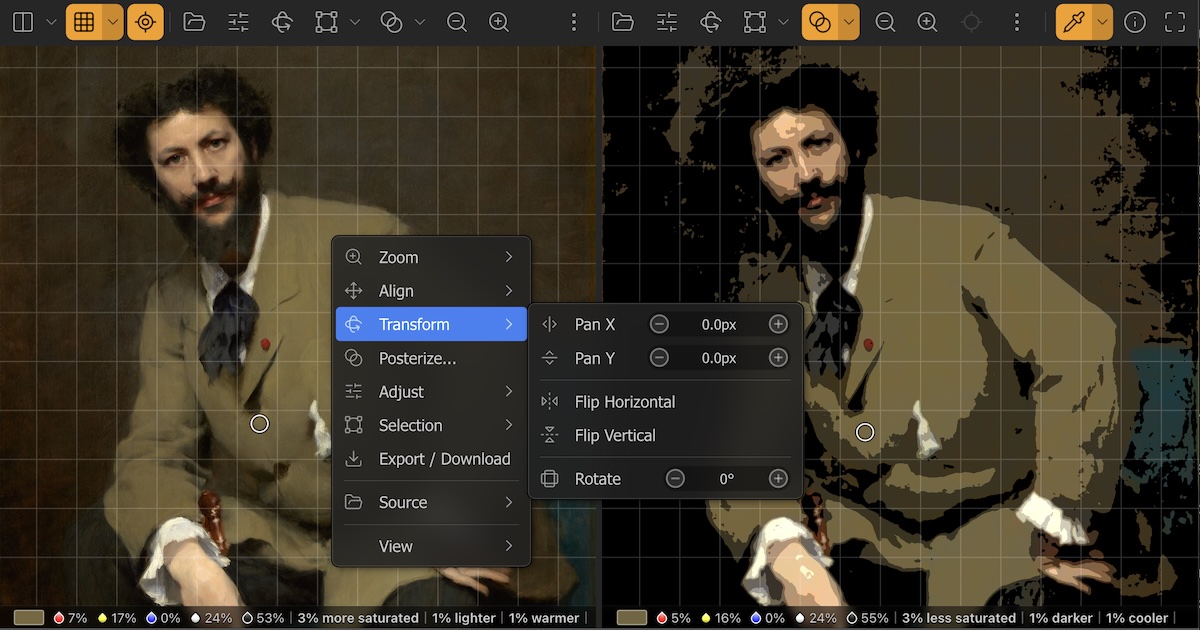
What is a value study?
Value is the relative lightness or darkness of a color. Strong paintings are designed around a clear value pattern — typically 3 to 5 distinct tonal groups that read well at a distance. A value study reduces an image to a small number of flat tonal bands, making it easy to see whether the value structure is clear and intentional. Painters use value studies early in the planning stage to test compositions before committing to color.
How to use this tool
- Upload an image. Drop a photo or painting onto the canvas, or click to browse. HEIC files from iPhone are supported.
- Choose the number of bands. The Bands slider controls how many distinct tonal values appear in the result. Start at 4 and work your way down to 2 or 3 to simplify aggressively. More bands reveal subtler gradations.
- Soften edges with Softness. The Softness slider blurs the image before posterizing, which smooths the boundaries between bands and removes noise. Useful for photos with complex texture where you want clean tonal shapes.
- Blend with the original. The Opacity slider fades the value study back into the original image. The downloaded file matches exactly what you see on screen.
- Compare and download. Hold the "Hold to compare" button to toggle back to the original. When satisfied, tap Download PNG to save a full-resolution copy.